
How Much Does Digital Signage Cost? A Small Business Pricing Guide

One of the most common misconceptions about digital signage is that it’s prohibitively expensive. Many small business owners believe they need to purchase commercial displays, hire professional installers, and spend thousands of dollars just to get started.
In reality, getting started is often much simpler. If you already own a TV, you’re often just a step away from creating a professional digital sign. With affordable cloud-based digital signage software and sometimes just a simple media player, you can showcase menus, promotions, announcements, internal communications, and more, all without replacing your existing hardware.
In this guide, we’ll break down the typical costs of digital signage and show you how to create a solution that fits your budget.
What Does Digital Signage Cost?
Digital signage costs generally fall into four categories:
- Display
- Media player
- Digital signage software
- Installation (optional)
The total cost depends on your business, how many screens you manage, and whether you already have TVs available.
Many small businesses spend far less than expected because they can reuse existing hardware. Competitors commonly describe these same cost categories as the foundation of a digital signage budget.
1. Display

The display is usually the biggest upfront expense.
You have two options:
Use Your Existing TV
For many small businesses, this is the most affordable choice. If your TV has an HDMI port or supports Smart TV apps, you may already have everything you need.
Ideal for:
- Restaurants
- Retail stores
- Offices
- Waiting rooms
- Healthcare clinics
- Manufacturing break rooms
Buy a Commercial Display
Commercial displays are designed for extended operating hours, higher brightness, and demanding environments.
They typically cost more than consumer TVs but may be the better choice for 24/7 or high-traffic installations. Commercial displays can range from a few hundred dollars to several thousand dollars depending on size and specifications.
2. Media Player

Some TVs can run digital signage apps directly. Others require a small media player that connects through an HDMI port.
Media players are generally affordable and are often the only hardware needed when using an existing TV. Some software providers also bundle or recommend specific devices.
3. Digital Signage Software
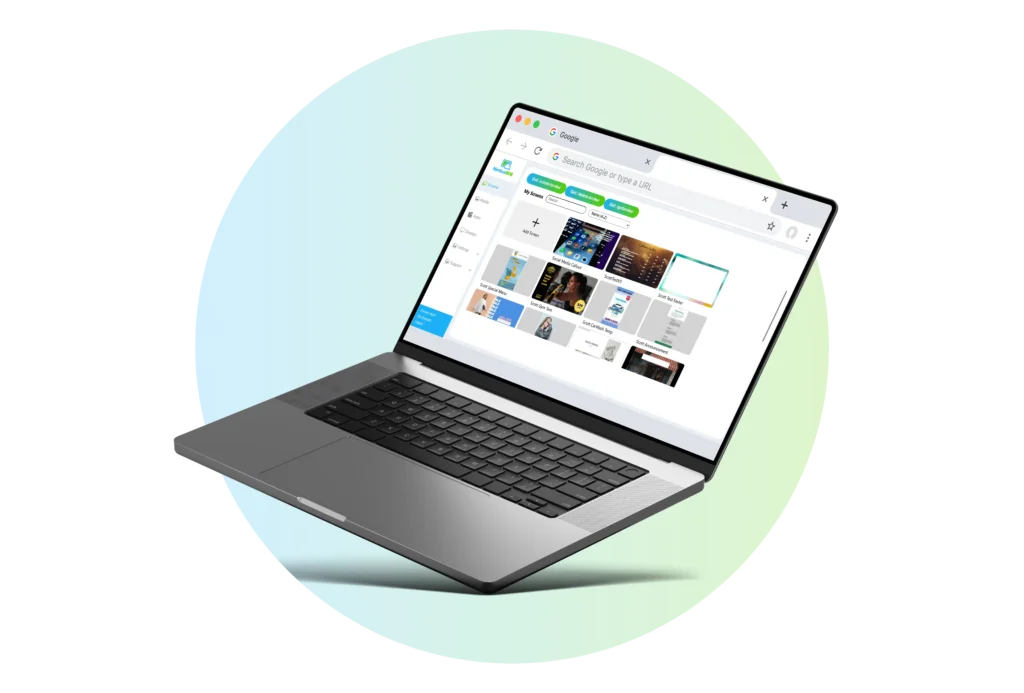
Software is usually the only recurring cost. Most cloud-based platforms charge a monthly or annual subscription based on the number of screens you manage.
Common features include:
- Remote content updates
- Scheduling
- Playlists
- Templates
- Multi-screen management
- User permissions
Entry-level plans across the industry typically range from about $8 to $20 per screen per month, depending on features and support.
4. Installation

Most small businesses can set up digital signage themselves.
If you’re using an existing TV, setup usually involves:
- Connecting a media player (if needed)
- Installing the app
- Connecting to Wi-Fi
- Publishing your content
Professional installation is generally only necessary for larger or more complex deployments.
Example Budgets

One-Screen Café
- Existing TV
- Cloud-based digital signage software
- Media player (if needed)
A simple, affordable way to display menus, promotions, and announcements.
Retail Store
- Existing TVs
- Digital signage software
- Optional media players
Display promotions, featured products, seasonal campaigns, and customer information.


Office
- Reception TV
- Breakroom TV
- Employee communication
Share company announcements, welcome messages, birthdays, and meeting reminders across multiple screens.
Save Money by Starting Simple
Digital signage is more affordable than many small business owners expect. In many cases, you can get started using the TV you already own, avoiding the cost of new displays and unnecessary hardware upgrades.
Start with a single screen, manage your content remotely with easy-to-use cloud software, and expand as your business grows. The right digital signage solution should fit your budget today while giving you the flexibility to add more screens when you’re ready.
