
How to Choose the Right Digital Signage Software for Your Small Business
Selecting digital signage software can be overwhelming, with dozens of platforms all promising extensive features, seamless integrations, and powerful capabilities.
For most small businesses, however, the ideal digital signage software isn’t the one with the longest list of features; it’s the one that’s easy to use, compatible with your existing TVs, and designed to simplify communication, not complicate it.
Whether you’re displaying menus, promotions, employee announcements, or customer information, this guide will help you focus on what truly matters when selecting digital signage software.

What Is Digital Signage Software?
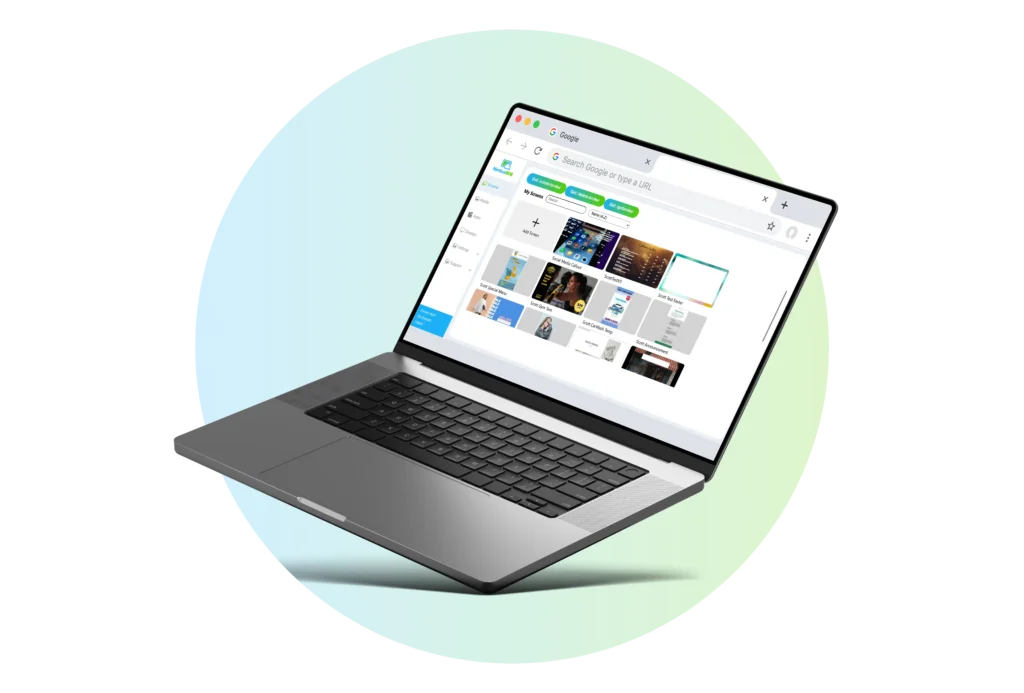
Digital signage software is a cloud-based platform that enables you to create, schedule, and publish content to TVs and digital displays; all from a single, intuitive dashboard.
Instead of updating screens manually, you can manage one display or hundreds from anywhere with an internet connection. Cloud-based management, remote publishing, and centralized control are standard capabilities across modern digital signage platforms.
What Should Small Businesses Look For?
Every business has different needs, but the right software should make managing your screens easier, not more complicated.
Here are the features that matter most.

1. Easy to Use
If creating a playlist feels harder than creating a PowerPoint presentation, it’s probably too complicated.
Look for software with:
- A clean dashboard
- Drag-and-drop content management
- Simple publishing
- Minimal training
Your team should be able to update a screen in minutes.
2. Works With Your Existing TVs
You shouldn’t have to replace perfectly good displays.
Choose software that works with:
- Smart TVs
- Android TV
- Amazon Fire TV Stick
- Existing media players
- HDMI-connected TVs
The more hardware options you have, the lower your startup costs.


3. Cloud-Based Management
Cloud software lets you update screens from anywhere.
Whether you manage one location or several, you can publish new content without visiting each display.
Look for:
- Remote updates
- Web browser access
- Centralized management
- Multi-location support
Remote management is one of the biggest advantages of cloud-based digital signage software.
4. Content Scheduling
Your software should let you schedule content in advance.
Examples include:
- Breakfast and lunch menus
- Holiday promotions
- Weekly announcements
- Business hours
- Seasonal campaigns
Scheduling saves time and keeps content current cloud-based digital signage software.

5. Ready-to-Use Templates
Starting with a blank screen can be intimidating.
Templates help you quickly create:
- Digital menu boards
- Promotions
- Employee announcements
- Welcome screens
- Business hours
- Community events
Many platforms include libraries of customizable templates to help businesses get started faster.


6. Affordable Pricing
The most expensive software isn’t always the best.
Look for pricing that:
- Fits your budget
- Scales as your business grows
- Doesn’t require expensive hardware
- Avoids hidden fees
Many SMB-focused platforms offer entry-level plans in the $5–$20 per screen per month range, depending on features and support.
7. Multiple Screen Management
If you plan to grow, your software should grow with you.
Choose a platform that lets you:
- Control content remotely
- Manage multiple TVs
- Organize screens by location
- Update all displays at once


8. Reliable Playback
Your screens should work even if the internet briefly disconnects.
Look for software that offers:
- Stable playback
- Automatic recovery
- Reliable updates
Reliability is especially important for customer-facing displays.
9. Helpful Customer Support
Even easy-to-use software occasionally raises questions.
Choose a provider that offers:
- Knowledge base
- Email support
- Setup guides
- Responsive customer service
Good support can make a big difference during your first deployment.


10. Room to Grow
You might start with one TV today. Next year, you might have five.
Choose software that can grow with your business without requiring you to start over.
Questions to Ask Before You Buy
Before choosing a platform, ask:
- Can I use my existing TV?
- Is setup easy?
- Can I update screens remotely?
- Does it support scheduling?
- Are templates included?
- Can I manage multiple locations?
- Is pricing easy to understand?
- Will it grow with my business?
If the answer is “yes” to most of these questions, you’re probably looking at a strong option.
Common Mistakes to Avoid
Many first-time buyers focus on features they’ll never use.
Instead, avoid:
- Paying for enterprise features you don’t need
- Replacing TVs unnecessarily
- Choosing software that’s difficult to learn
- Ignoring customer support
- Overcomplicating your setup
The right digital signage software should make communication easier, not more complicated.
Choose a platform that’s user-friendly, compatible with your existing TVs, enables remote management, and provides the flexibility to scale alongside your business. For most small businesses, the best choice isn’t the software with the longest feature list; it’s the one your team can confidently use every day to share menus, promotions, announcements, and internal communications.
Start simple, prioritize your business’s current needs, and select software that can grow with you over time.
