Getting Started with Nimbus808
Creating and managing digital signage shouldn’t be complicated. With Nimbus808, you can design, publish, and manage content as easily as posting on social media. Follow the steps below to get started.
Step 1 – Create an account
Start with a free 90-day trial and begin creating right away. Once your account is set up, you’ll have access to the Nimbus808 dashboard and design tools.

Step 2 – Create a new screen
From your dashboard, start with a blank canvas or choose from our growing library of professionally designed templates to jump-start your project.

Step 3 – Design and edit in the nimbus808 editor
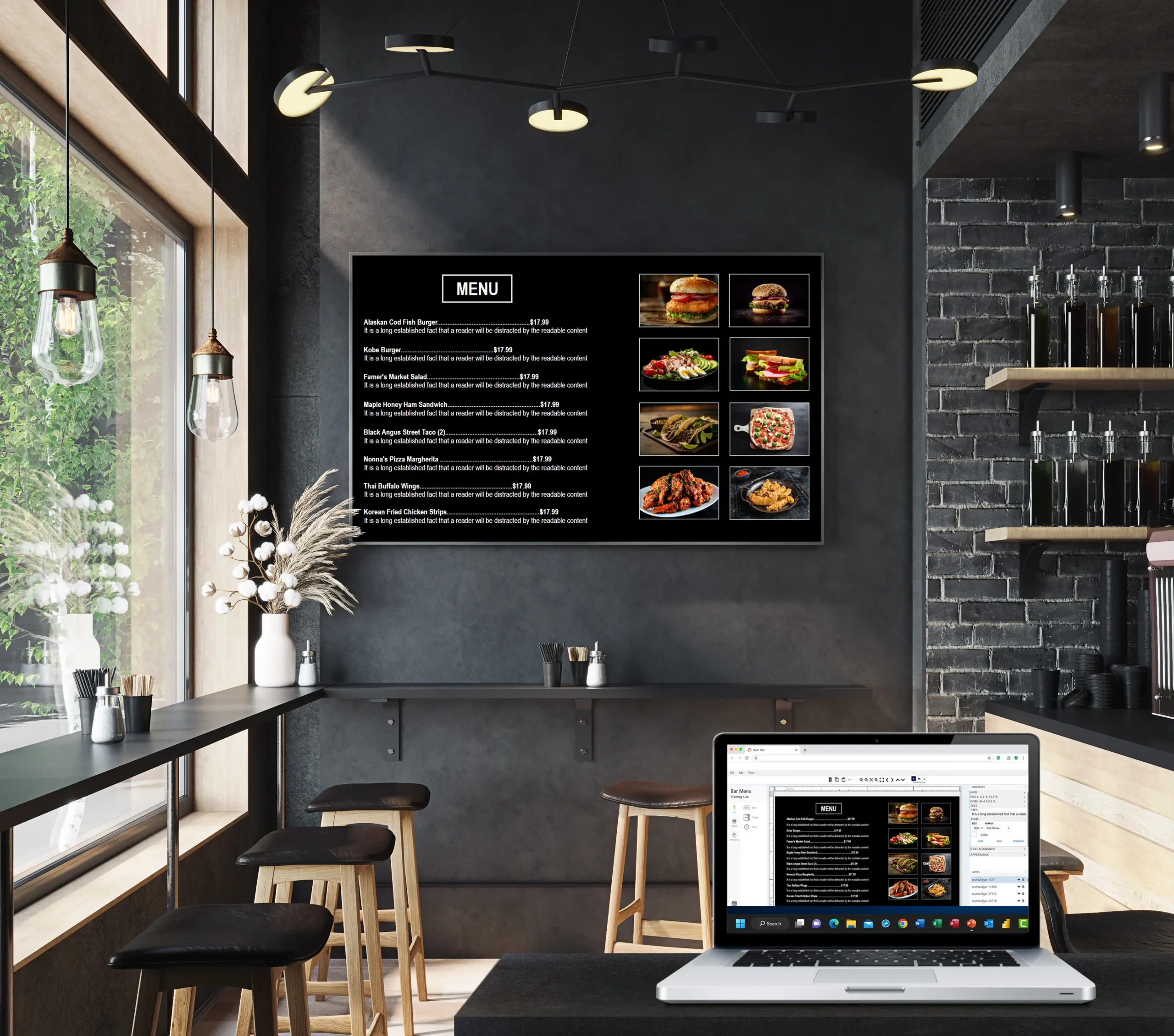
Bring your content to life using our intuitive drag-and-drop editor. Add text, images, videos, shapes, widgets, and more—no graphic design experience required.

Step 4 – Connect to your display
Register your display from the dashboard and follow the simple pairing instructions. Connect a Smart TV directly via a web browser or use a streaming device such as Amazon Fire TV Stick, Apple TV, Roku, or another compatible device.

Step 5 – Publish your design to your screen
When you’re ready, click the “Rocket icon” and send your content to the display of your choice. Updates can be pushed instantly to one screen or thousands.

Step 6 – Sit back and enjoy your work
Your content is now live. Create additional screens, build playlists, schedule content, manage multiple displays, and explore new templates and features—all from a single dashboard.
Nimbus808 grows with your business, making it easy to keep every screen up to date from anywhere.
Our team is here to support you every step of the way. If you have questions or need assistance, reach out to us, and we’ll help you get the most out of your Nimbus808 experience.