Getting started with Nimbus808
Create your own custom screens and push them to your display. Simply follow the step by step guide below to begin.
Step One
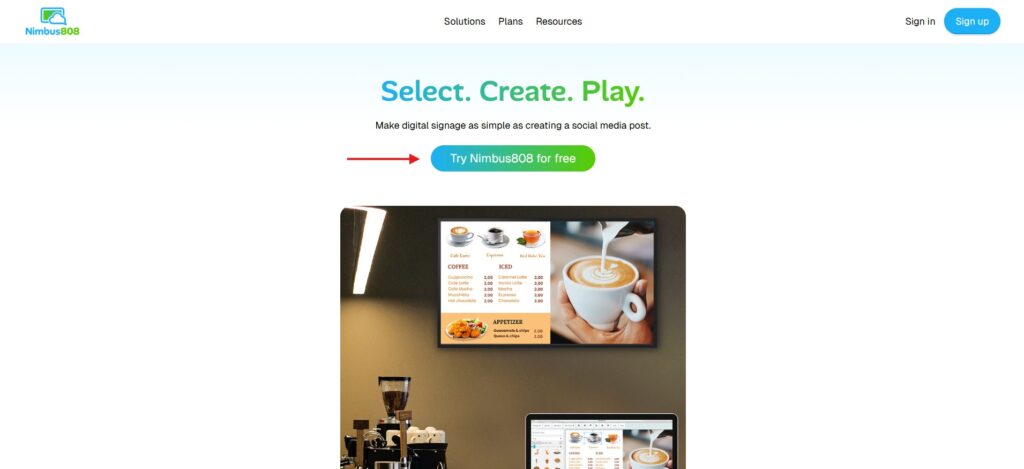
Create an account
Sign up for your free account today! Once you have an account you can instantly start creating your custom screen.
Step two
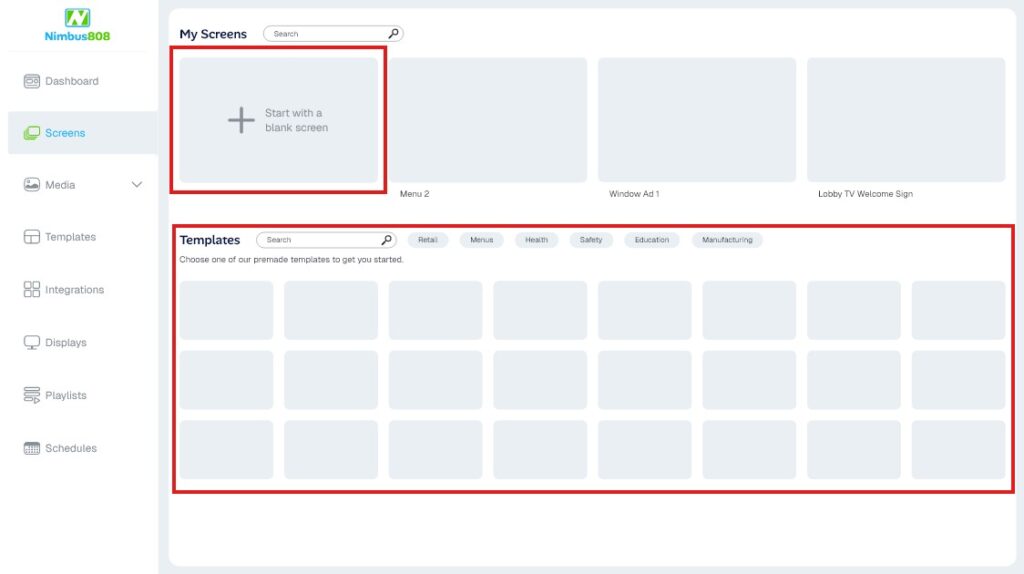
Make a new screen
From your dashboard you can either start from scratch or use one of our many templates to get a head start on your design.
Step Three
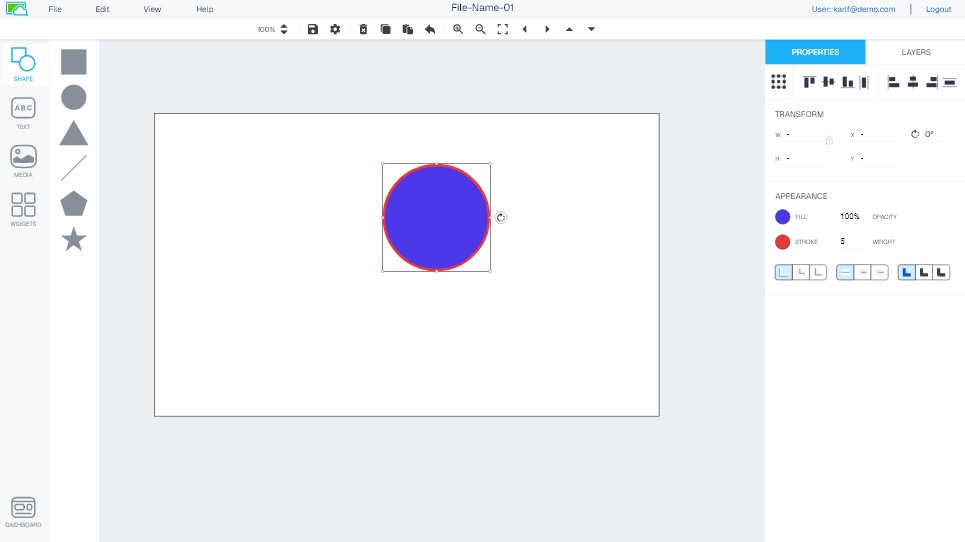
Design and edit your screen in the Nimbus808 Editor
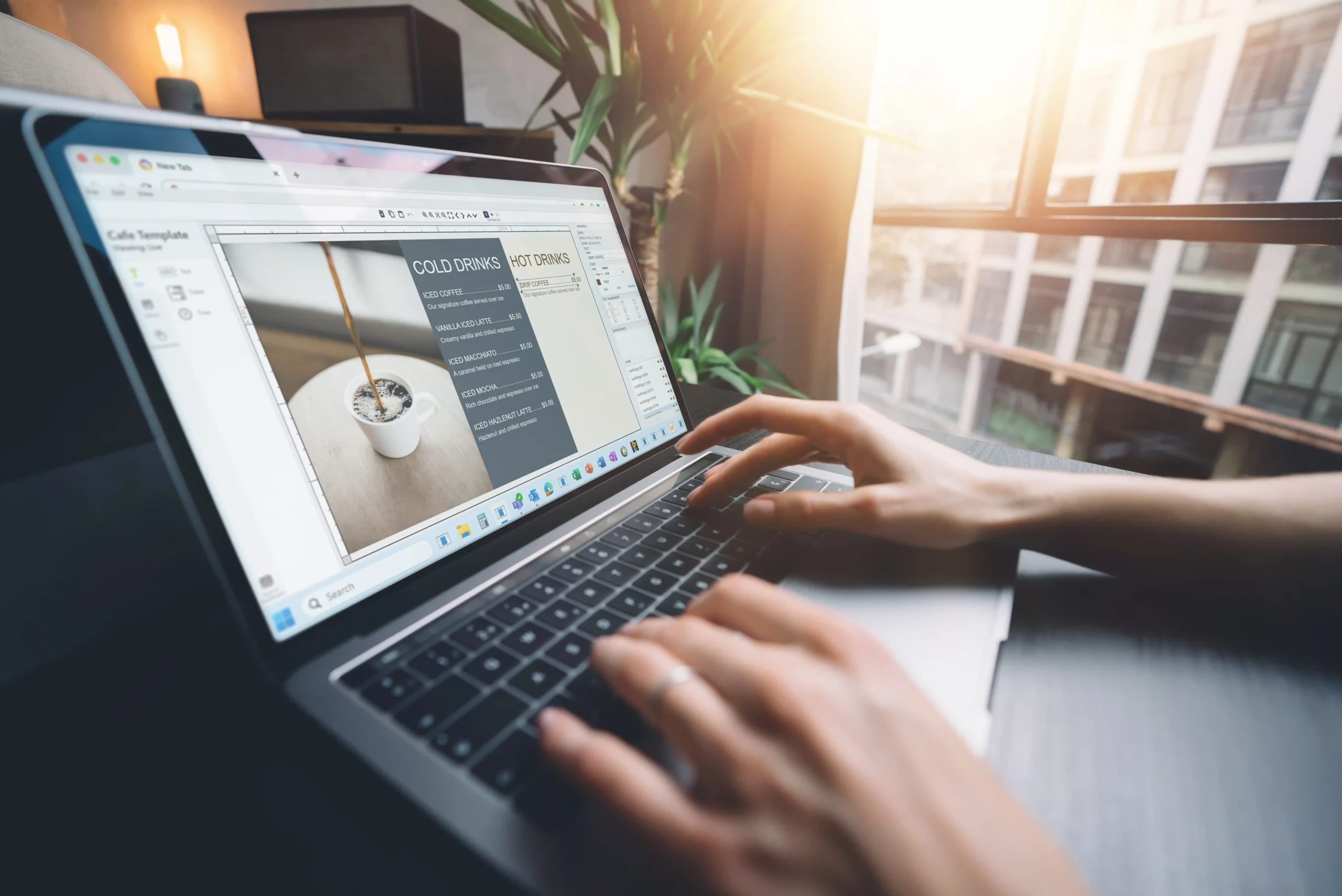
Customize your screen however you like using our own design software. Here you can add shapes, images, text, widgets, and more!
Step Four
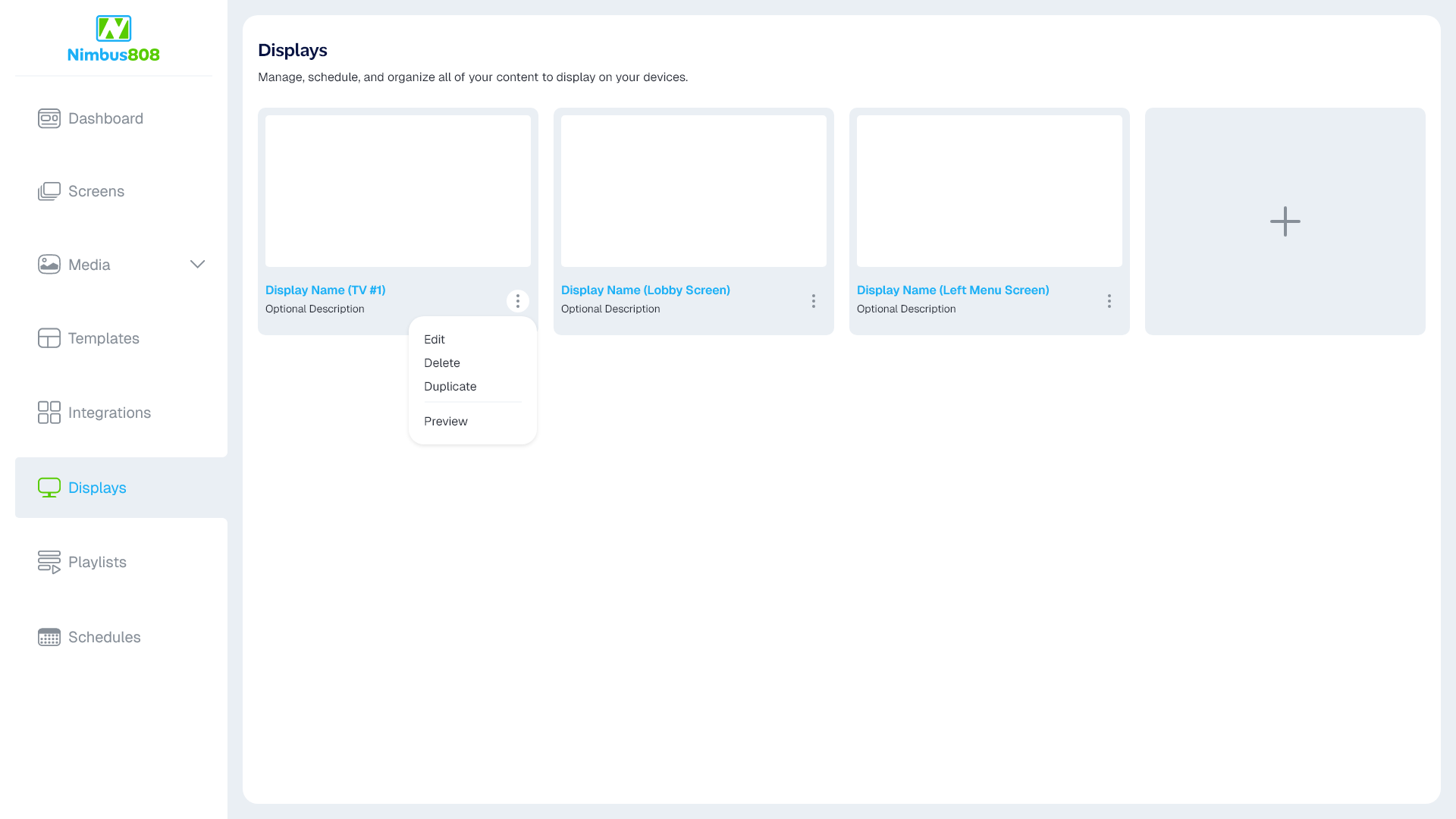
Connect your display
Plug the Nimbus808 Display Dongle into the display of your choice and connect it to your account in the Dashboard.
Step Five
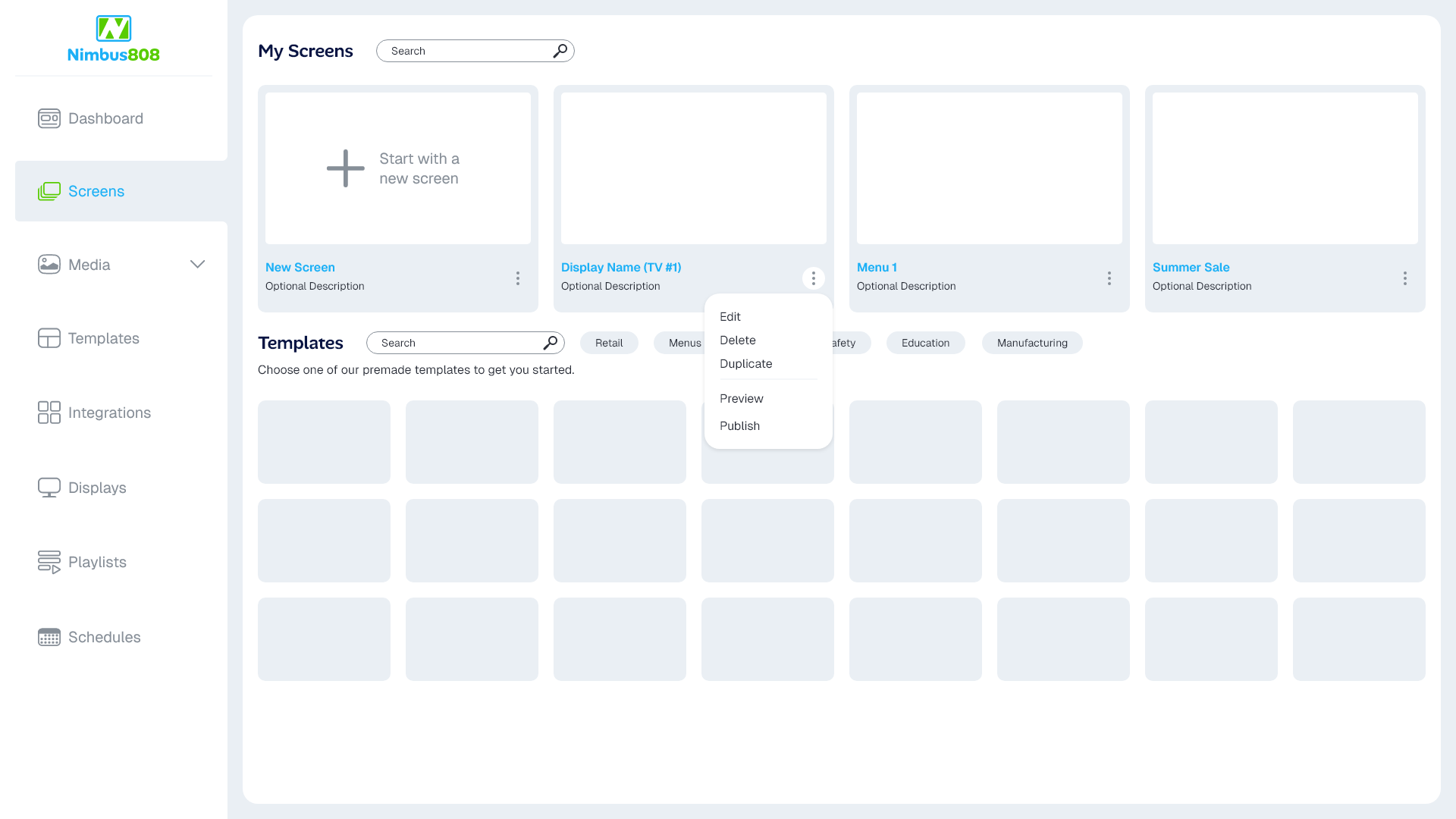
Publish your screen to your display
Plug the Nimbus808 Display Dongle into the display of your choice and connect it to your account in the Dashboard.
Step Six
Sit back and enjoy your work
At this point your screen should be visible on your display! You can continue making screens, create playlists, explore more templates, dig through our apps, and much more.
If you’re having any trouble, feel free to get in touch and we’ll do our best to help out.
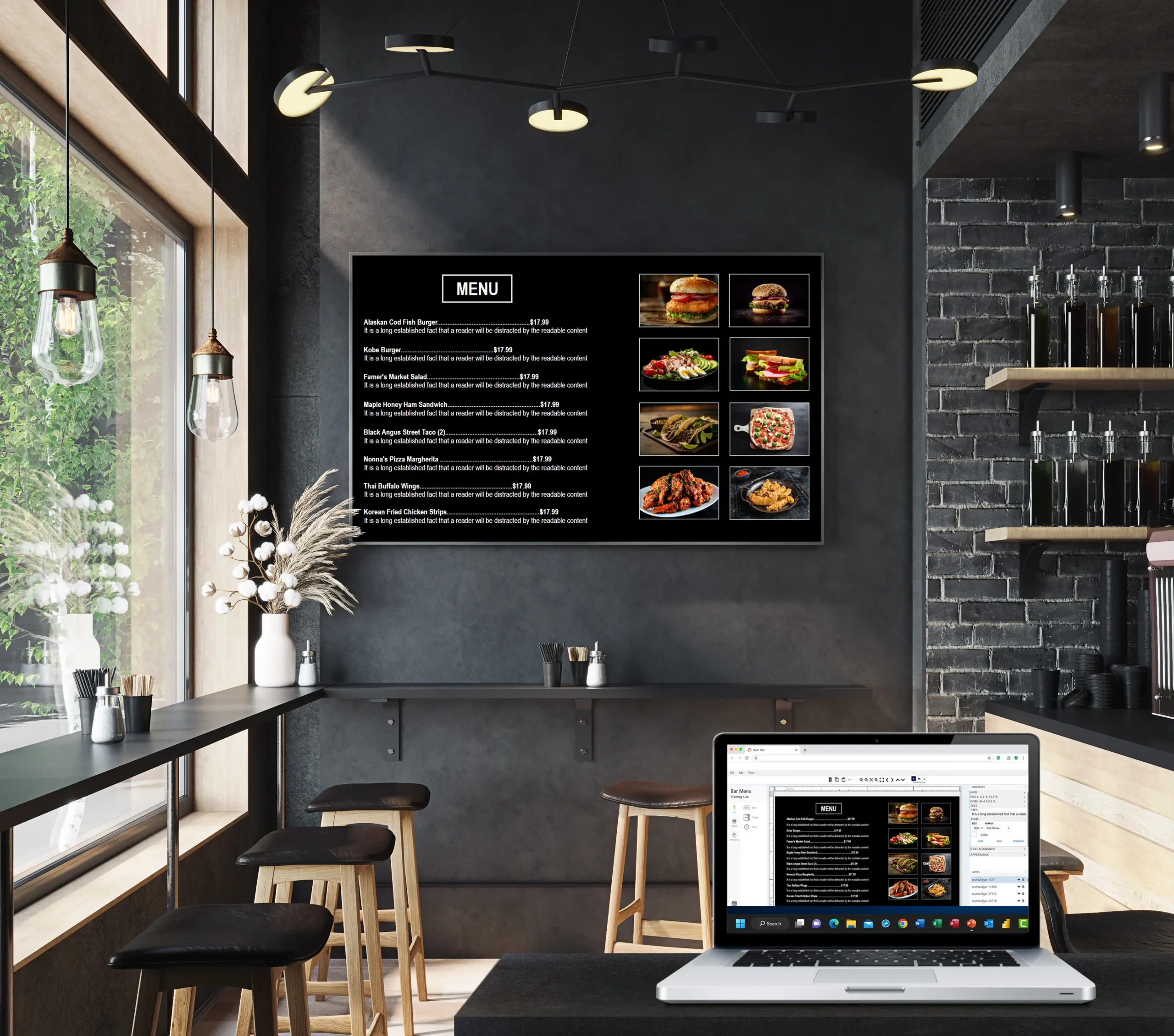
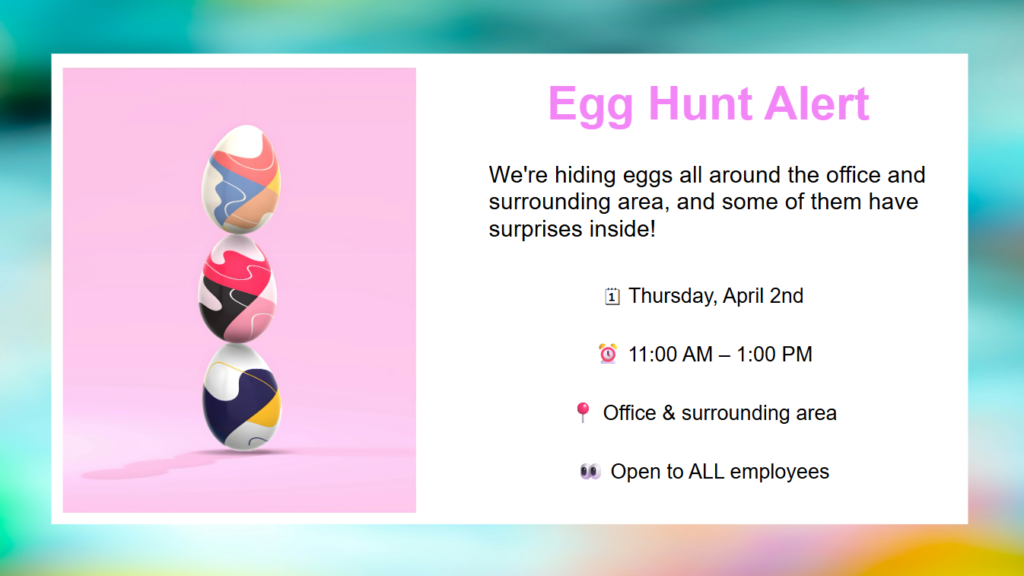
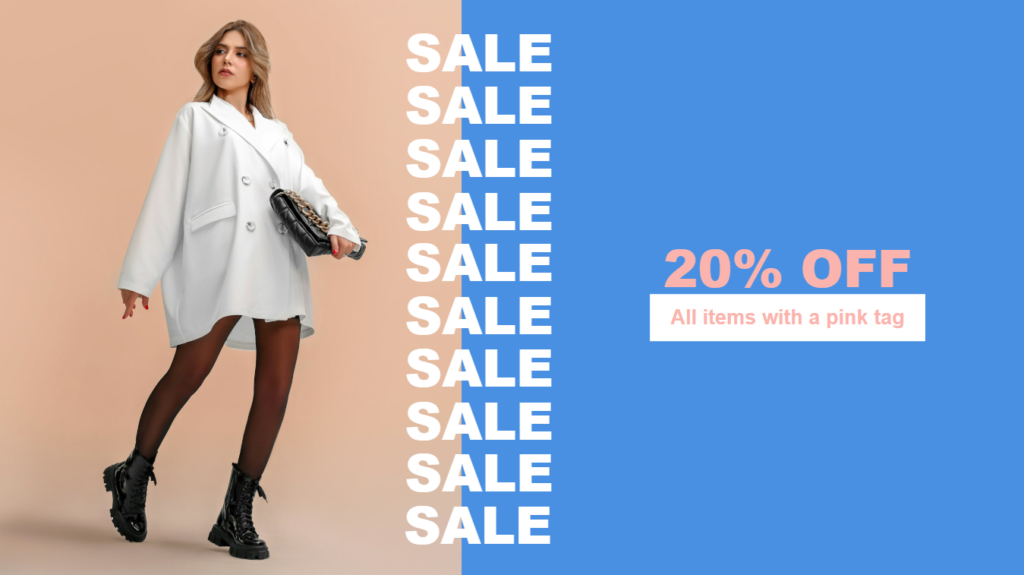
Choose from ready-made restaurant templates to get started
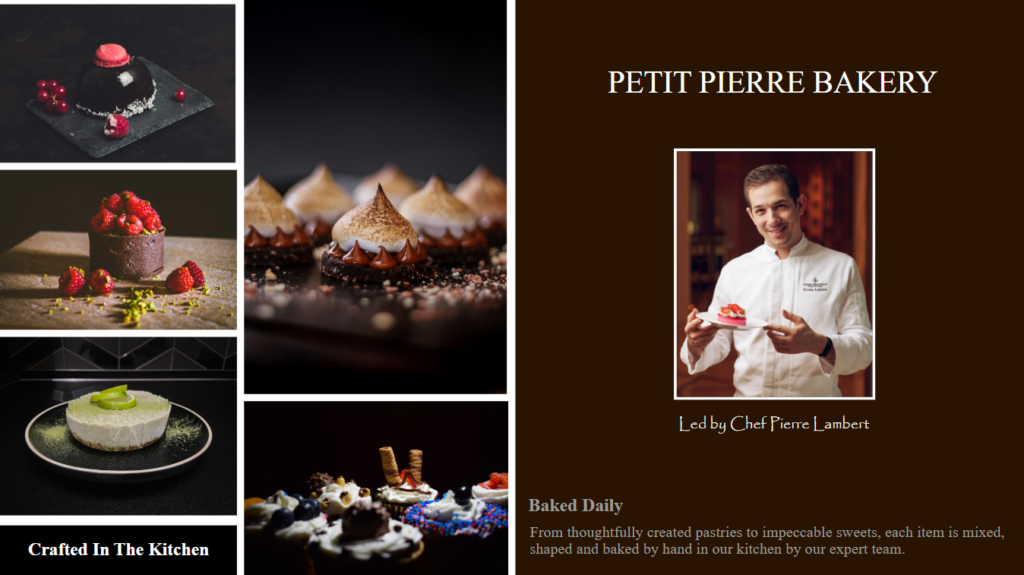
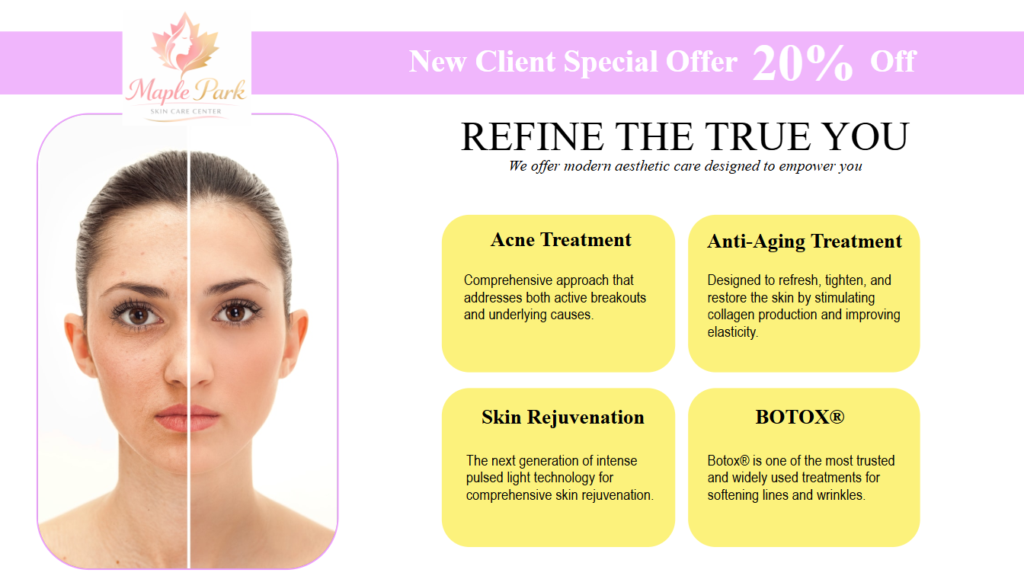
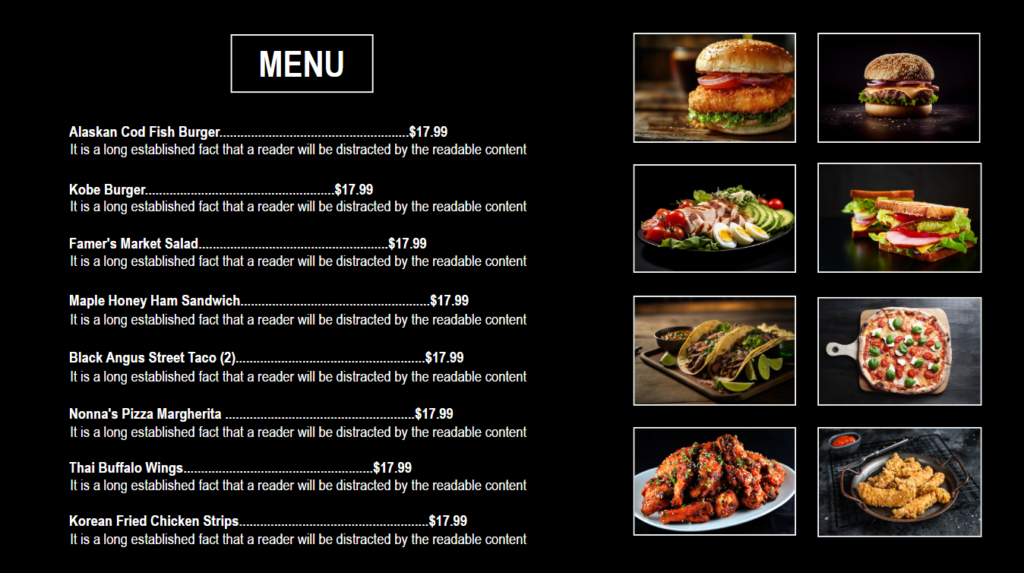

Try Nimbus808 today for free
Boost your business with Nimbus808 digital signage today and get ready to see the benefits immediately